Assets (CM) - Overview
Overview
The Assets (CM) application allows a user to understand the status of configuration-managed Assets.
Assets (CM) is a clone of the standard Maximo Assets application.
It contains additional fields, tabs and actions so that the user can understand the status of configuration managed assets. It also provides additional actions so a user can update the as-maintained configuration data of CM managed assets.
Assets (CM) List Page
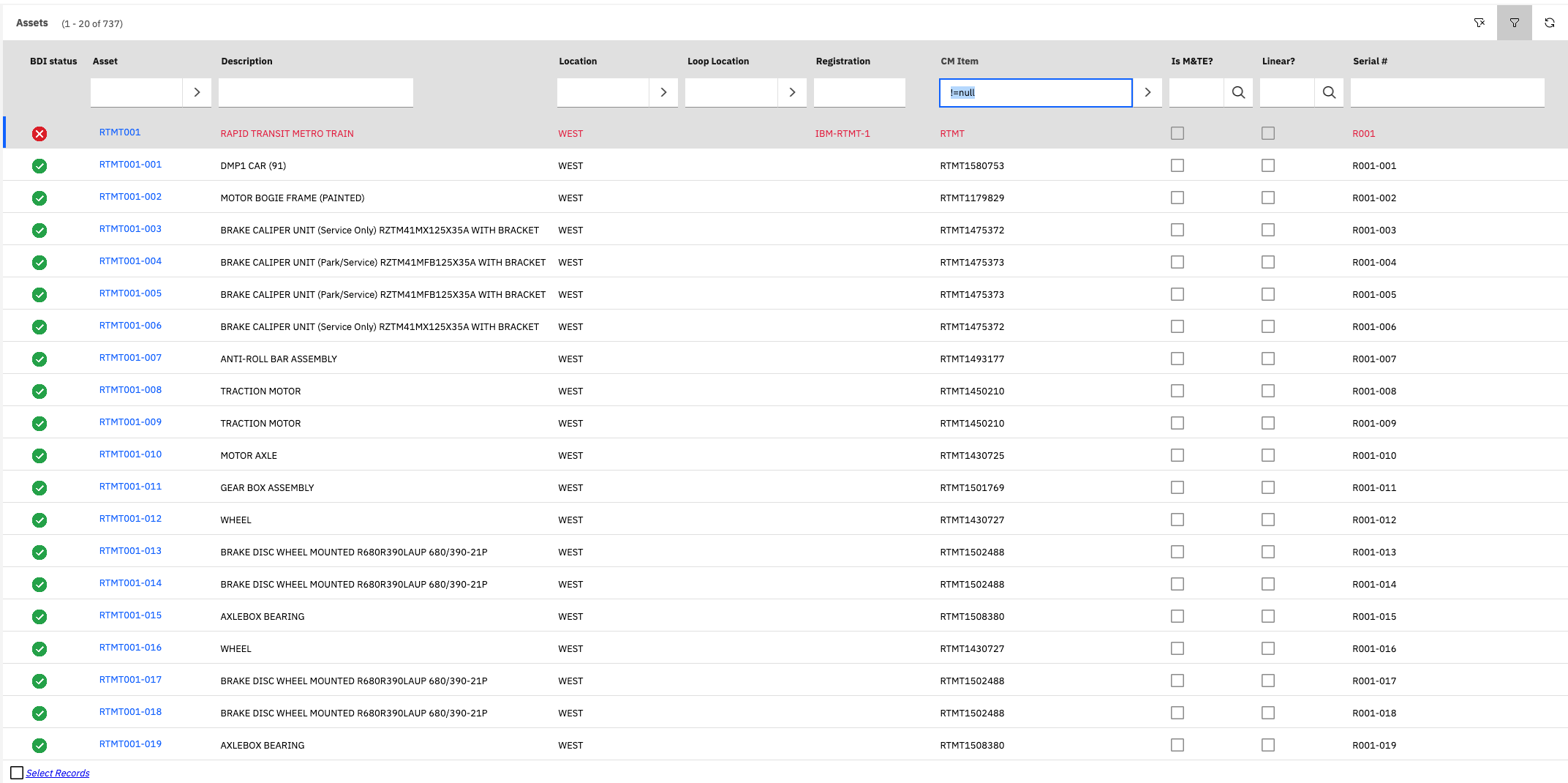
The list page displays a list of Assets included CM managed and non-CM managed Assets.
To display only CM managed assets the user can filter on the "CM Item" field with the "not null" filter value: "!=null"
BDI Status Icons
The page also displays an icon indicating the Configuration (BDI) Status for CM Managed Assets.
The possible icon values are:
| Icon | Status | Description |
|---|---|---|
 | OK | Configuration status is OK and no problems currently exist. |
 | INVALID | A critical problem exists for the assets configuration that should be investigated and remedied. |
 | ALERT | The asset has a configuration status that a user should be aware of but immediate action may not be necessary. |
 | UNKNOWNN | The configuraiton status of the asset is unknown. This is used when no configuration status records exist for the asset Normally this is because the asset has not yet been validated by the BDI. |
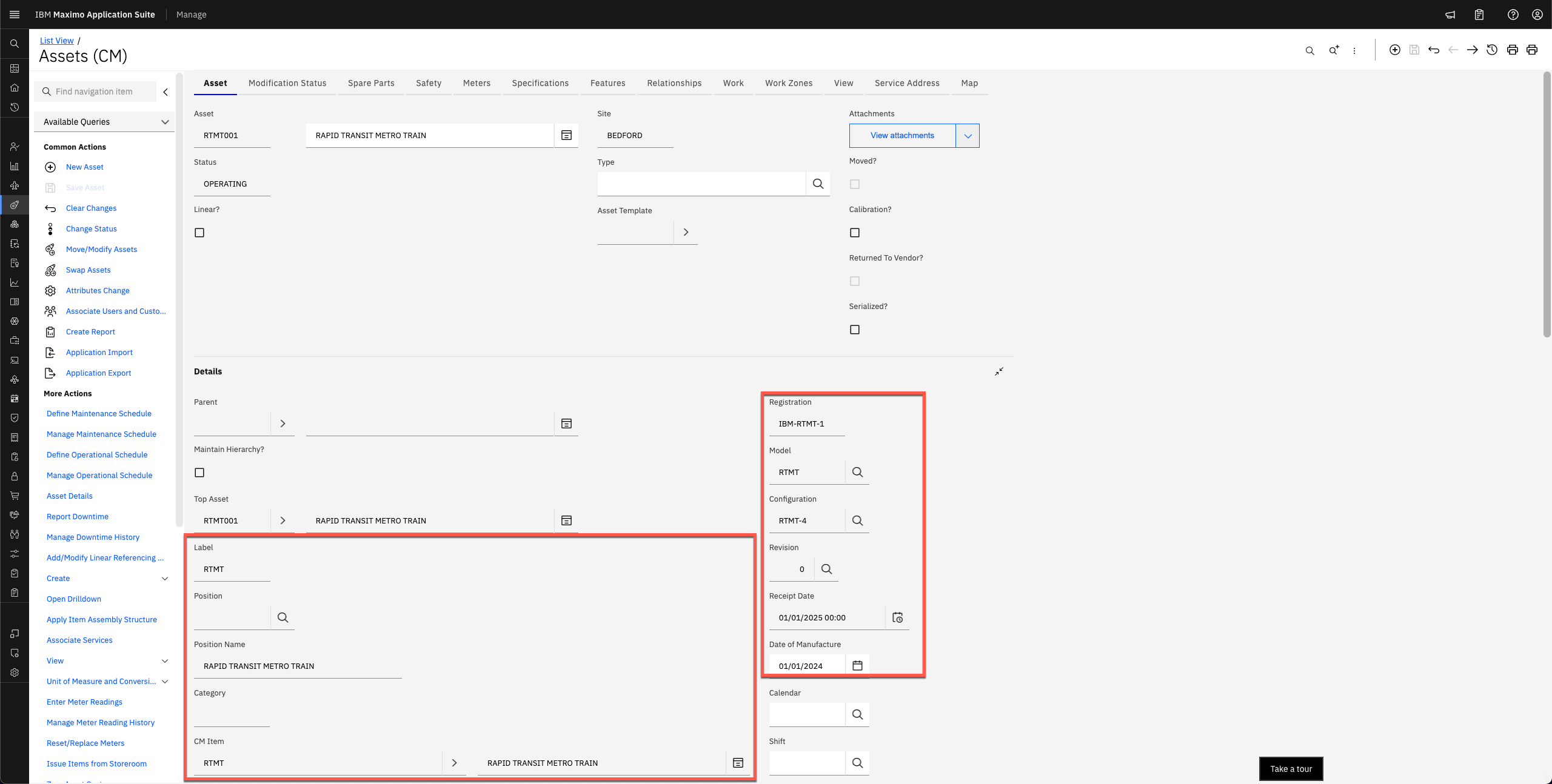
Assets (CM) Main Page
The main "Asset" page of the Assets (CM) application contains a number of addtional fields containing the CM related attributes of the Asset.